Step 1: Go to Operations > Shipment, select the IMPORT shipment that needs an AN or DO → click View → go to Operation > Shipping.
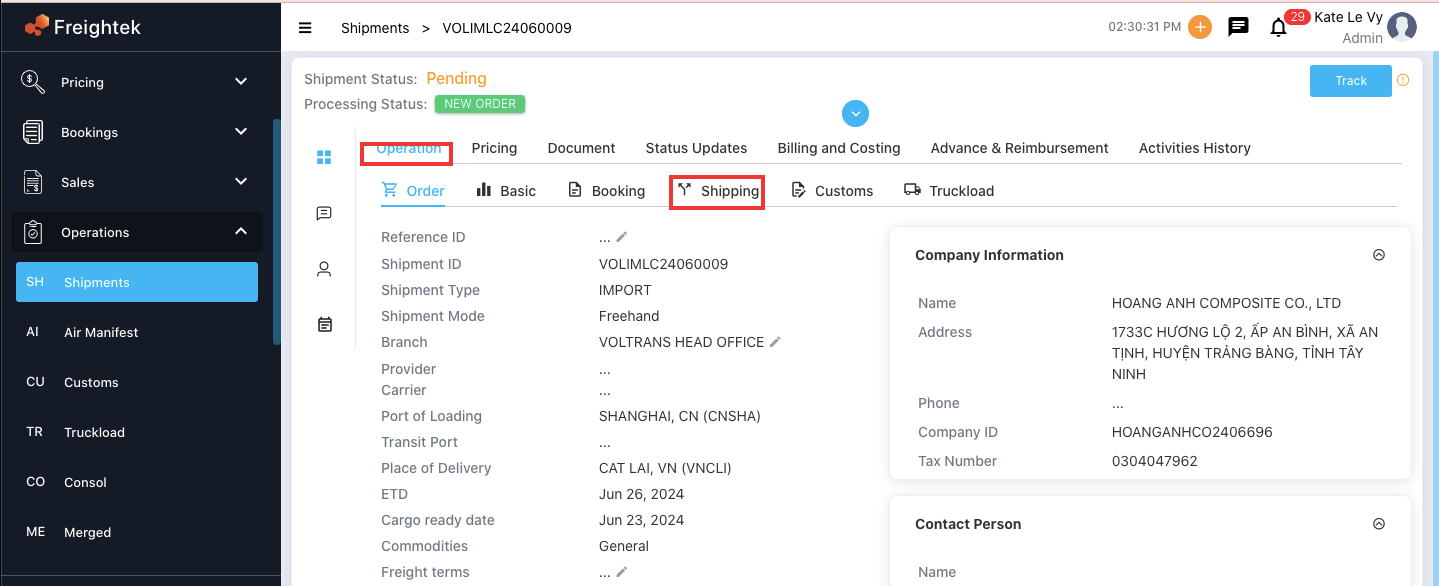
Step 2: Enter all the information that needs to appear on the document
(similar to filling in details for a Bill of Lading) → click UPDATE to save the information.
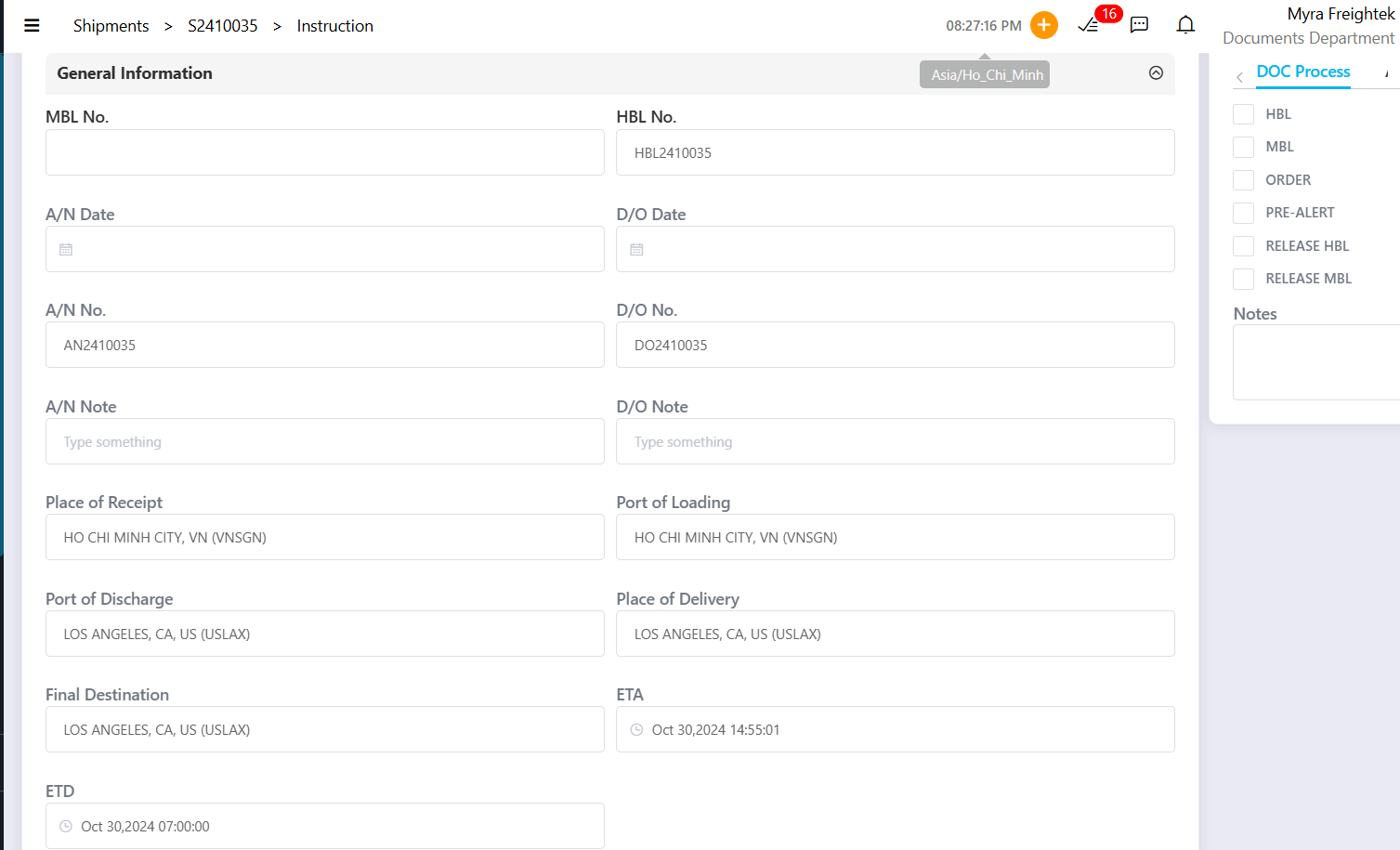
Step 3: Click the document form you want to download/export:
 The selected document will be generated using the information you entered.
Below is an example Delivery Order (DO) template used in Freightek.

Was this article helpful?
That’s Great!
Thank you for your feedback
Sorry! We couldn't be helpful
Thank you for your feedback
Feedback sent
We appreciate your effort and will try to fix the article