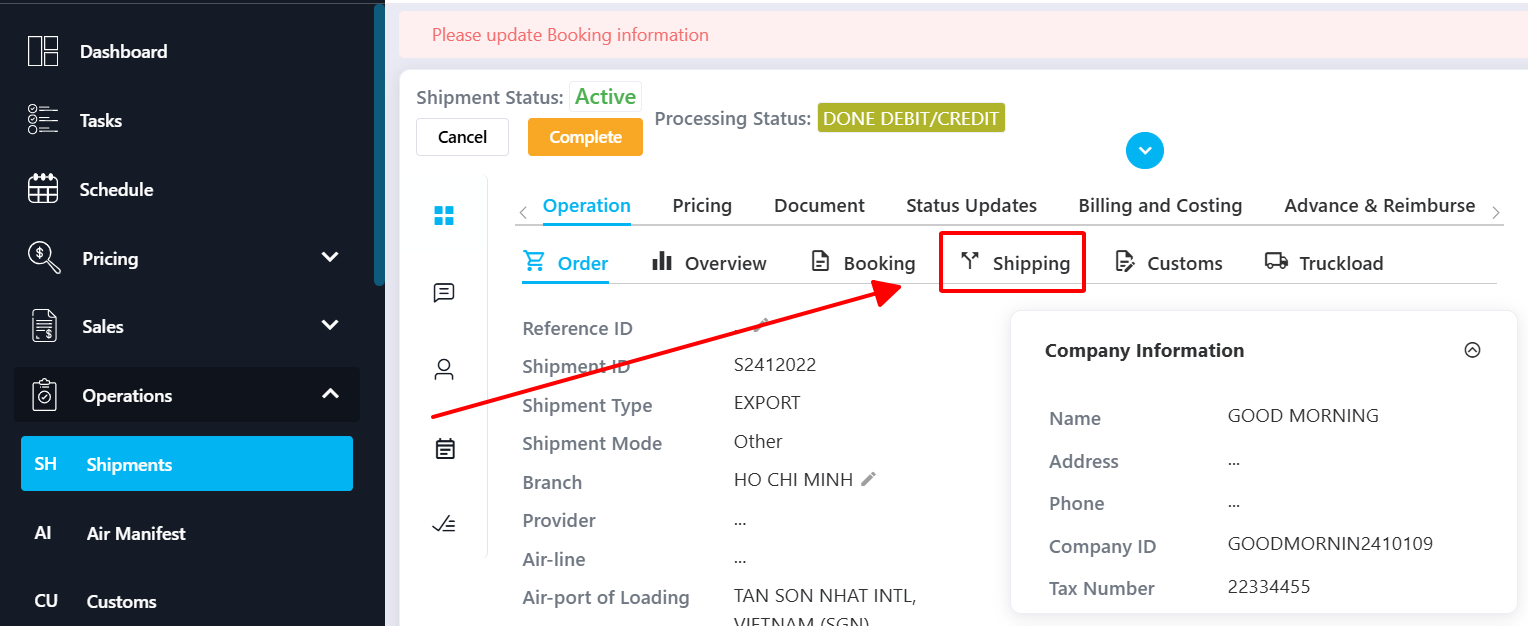
Step 1: Enter all required Shipping information
Step 2: Generate the Manifest
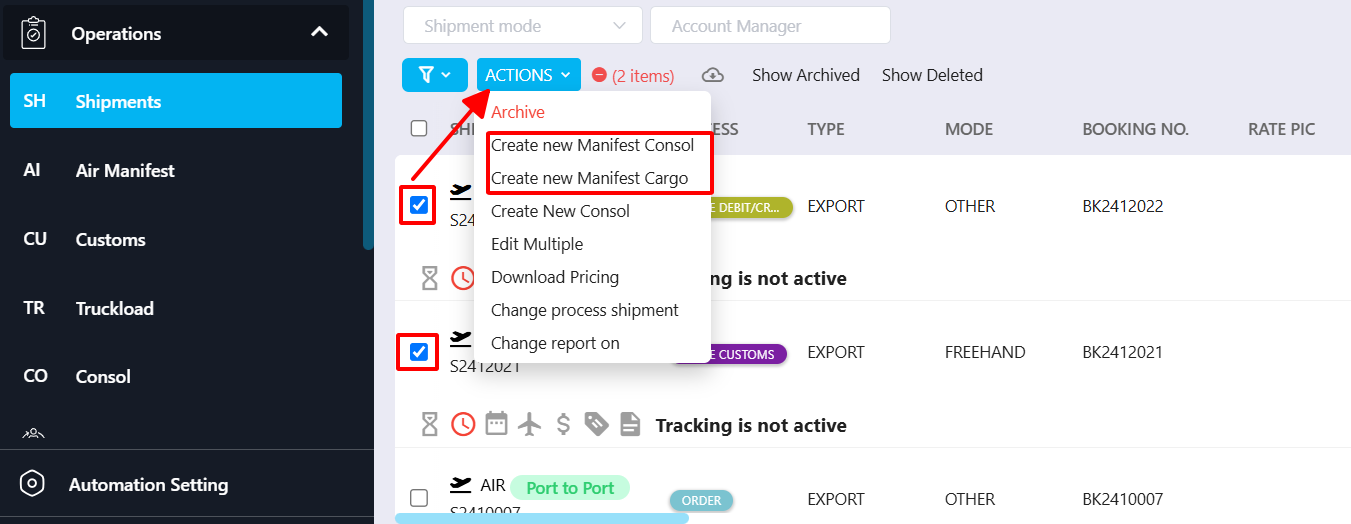
(You may select multiple shipments to create an AIR CONSOL MANIFEST.)
Select the shipments you want to include
Click ACTIONS
Choose Create new Manifest Consol or Create new Manifest Cargo, depending on your requirement
Step 3: Review and export
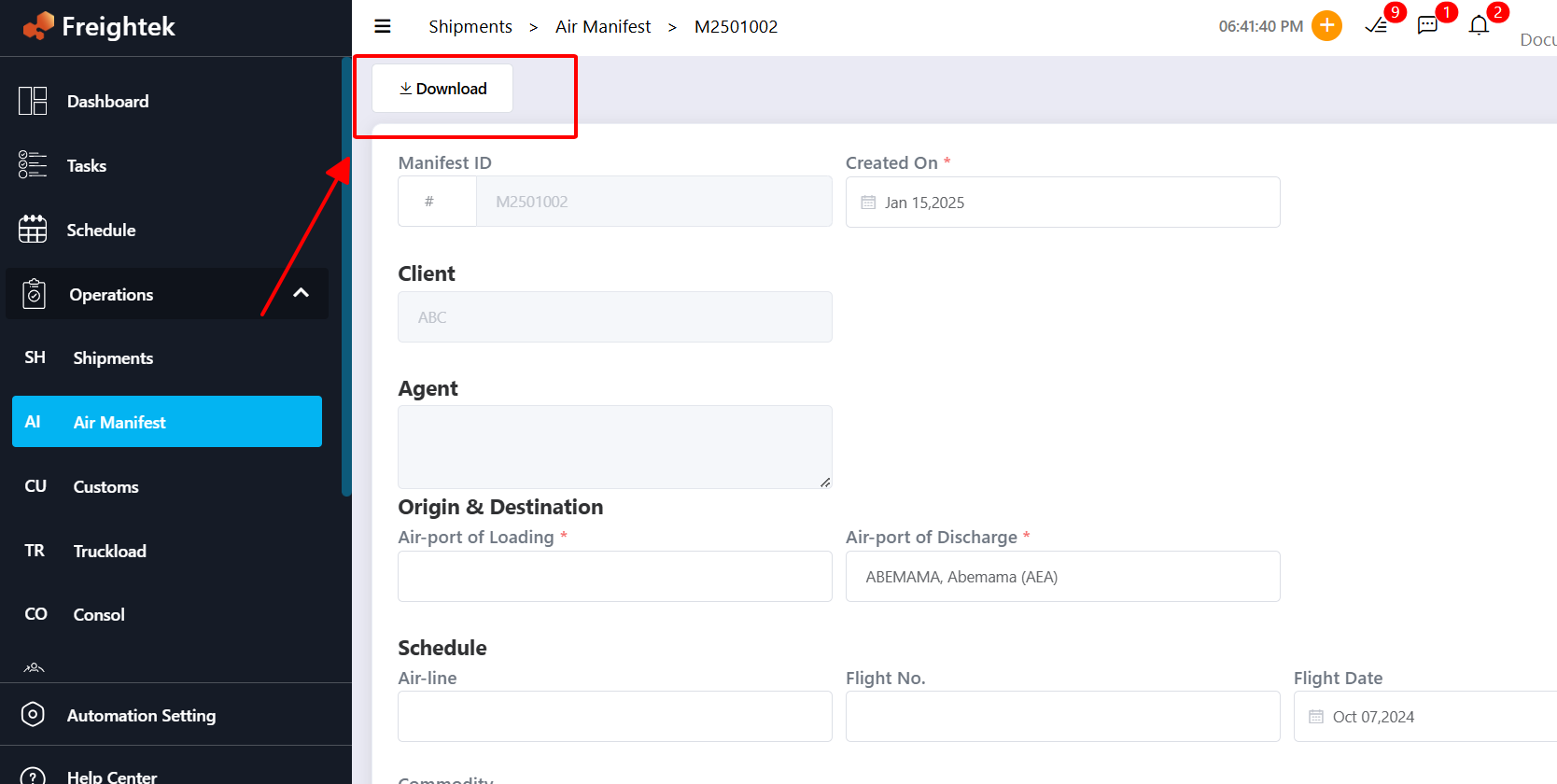
Review the Manifest details on the screen. If needed, you can edit some fields before exporting.
Click Download to export the Manifest as a PDF file.
Where to find generated Manifest files
All created Air Manifest files are stored under: Operations → Air Manifest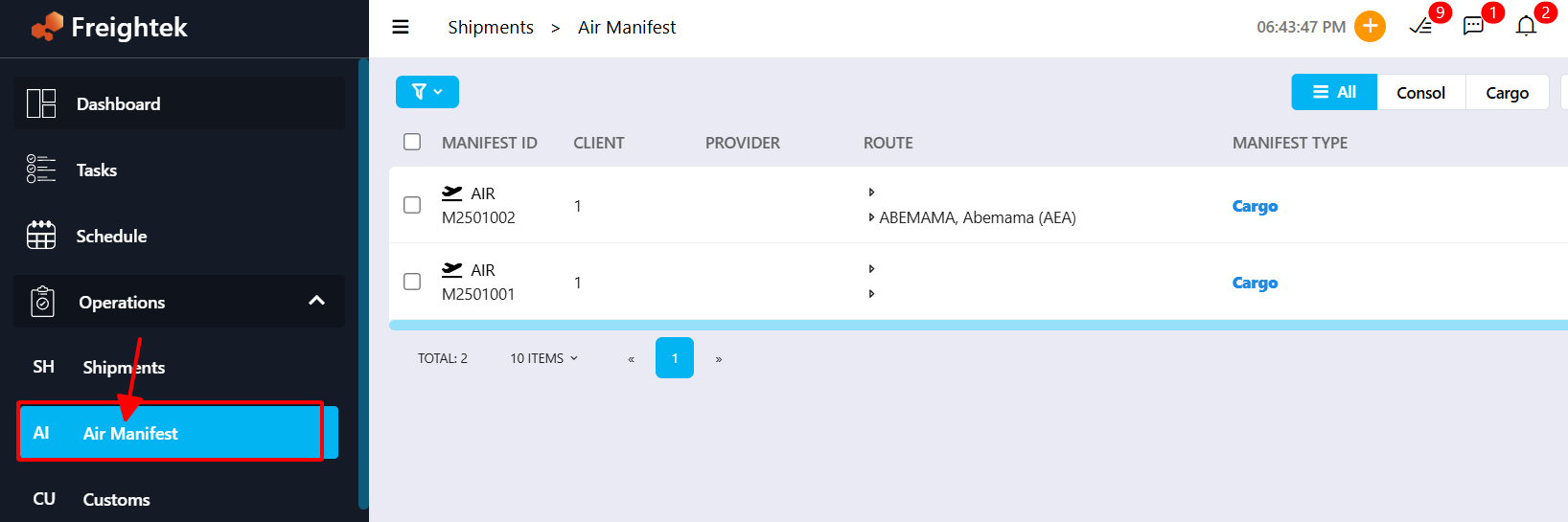
Was this article helpful?
That’s Great!
Thank you for your feedback
Sorry! We couldn't be helpful
Thank you for your feedback
Feedback sent
We appreciate your effort and will try to fix the article