When a shipment is created, all discussions and information exchange can take place directly inside the shipment. This allows you to communicate with all related parties while keeping conversations organized and separate from other shipments.
Step 1: Go to Operations → Shipment → View.
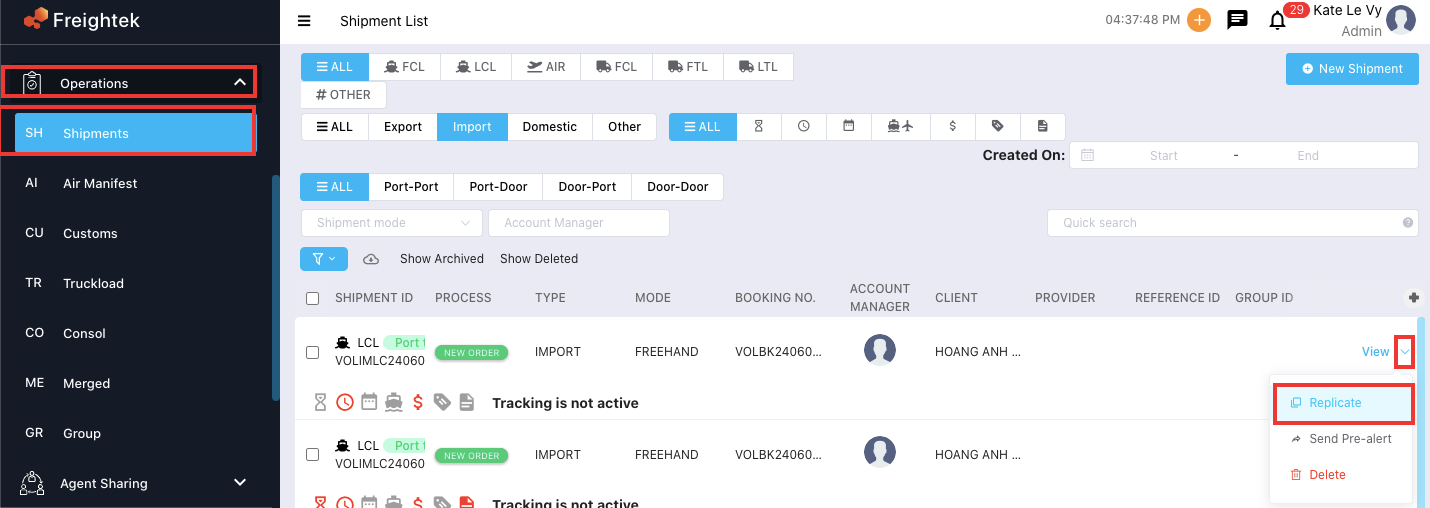
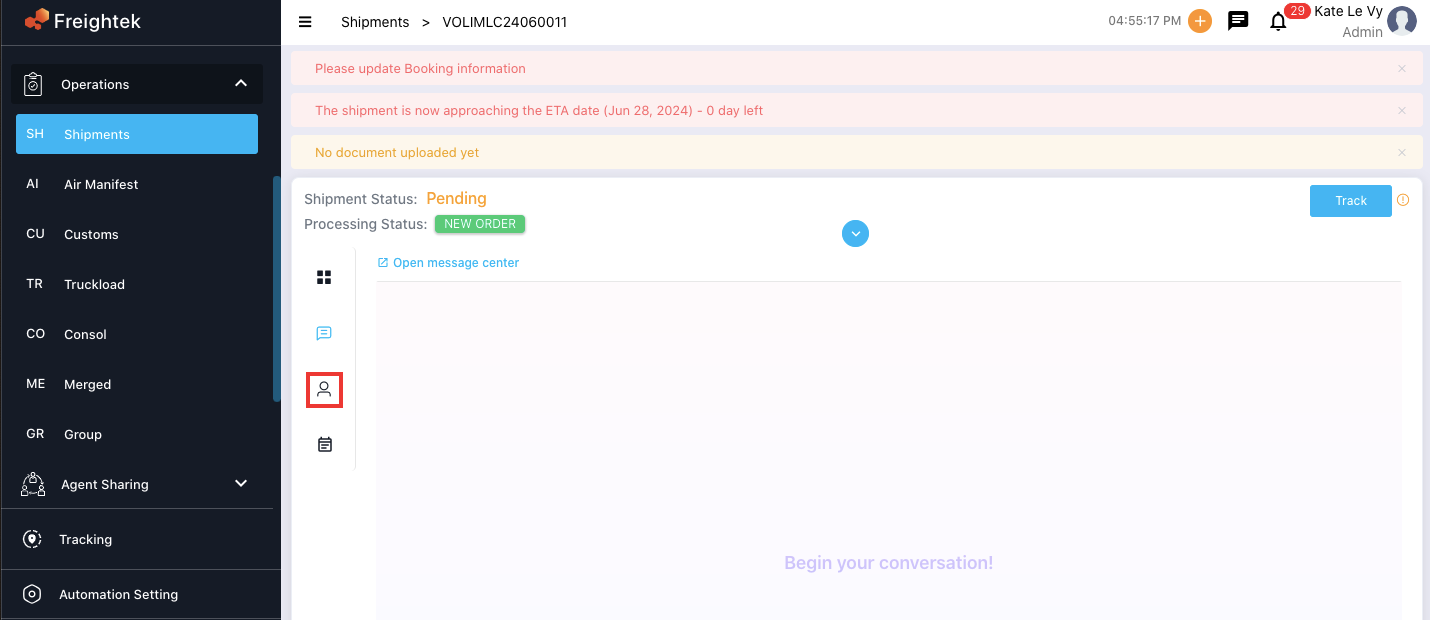
Step 2: Click the Message icon as shown below.
Step 3: Type your message into the Comments field, then click Comment to send it. You can format your text using the tools provided below the text box.
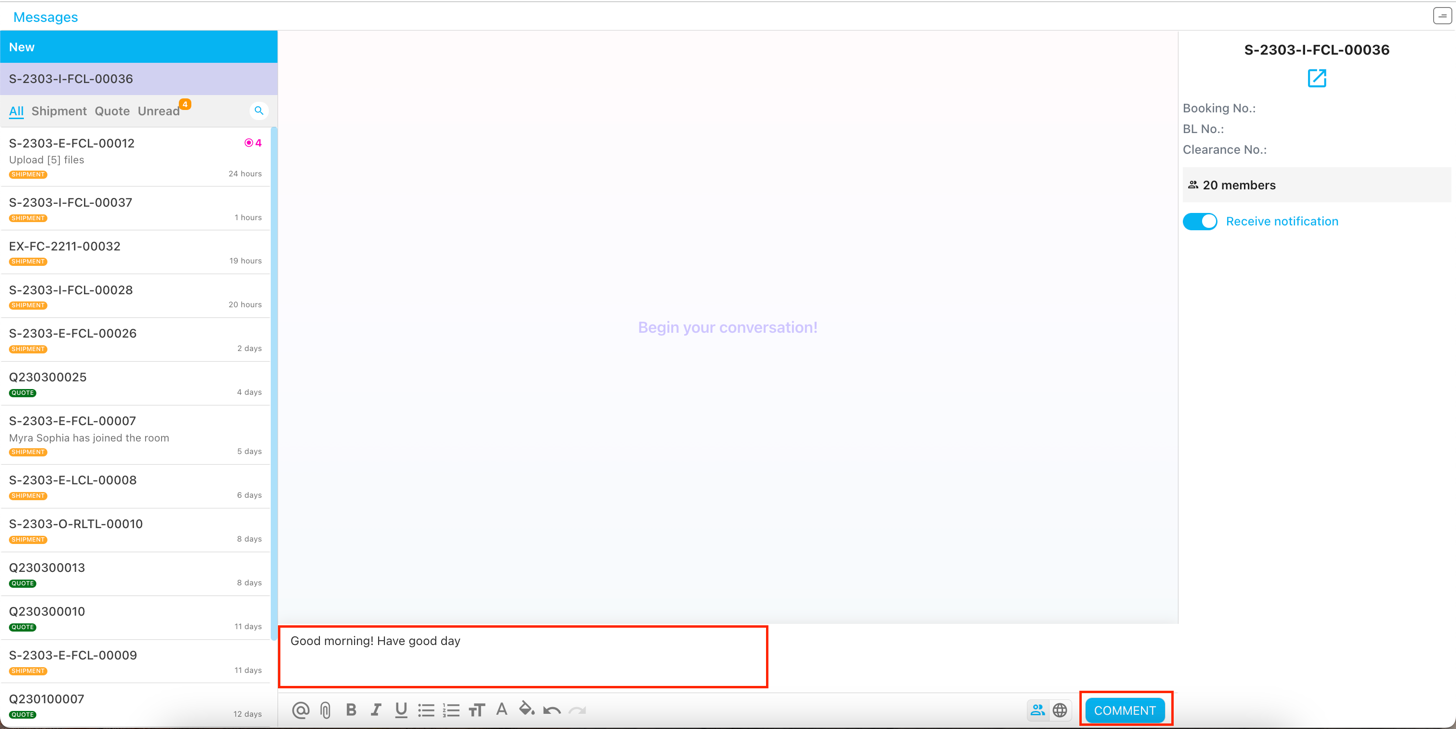
Choosing the Message Recipient: Click the icon next to the Comment button to select who will receive the message:
To Internal Team (default): Sends the message only to your company’s internal team.
To All: Sends the message to both the internal team and the customer.

Was this article helpful?
That’s Great!
Thank you for your feedback
Sorry! We couldn't be helpful
Thank you for your feedback
Feedback sent
We appreciate your effort and will try to fix the article