1. Check your email for the “Invitation Email” → click “Accept Invitation" (If you don’t see Invitation Email in your Inbox, please check your Spam/Junk folder.)
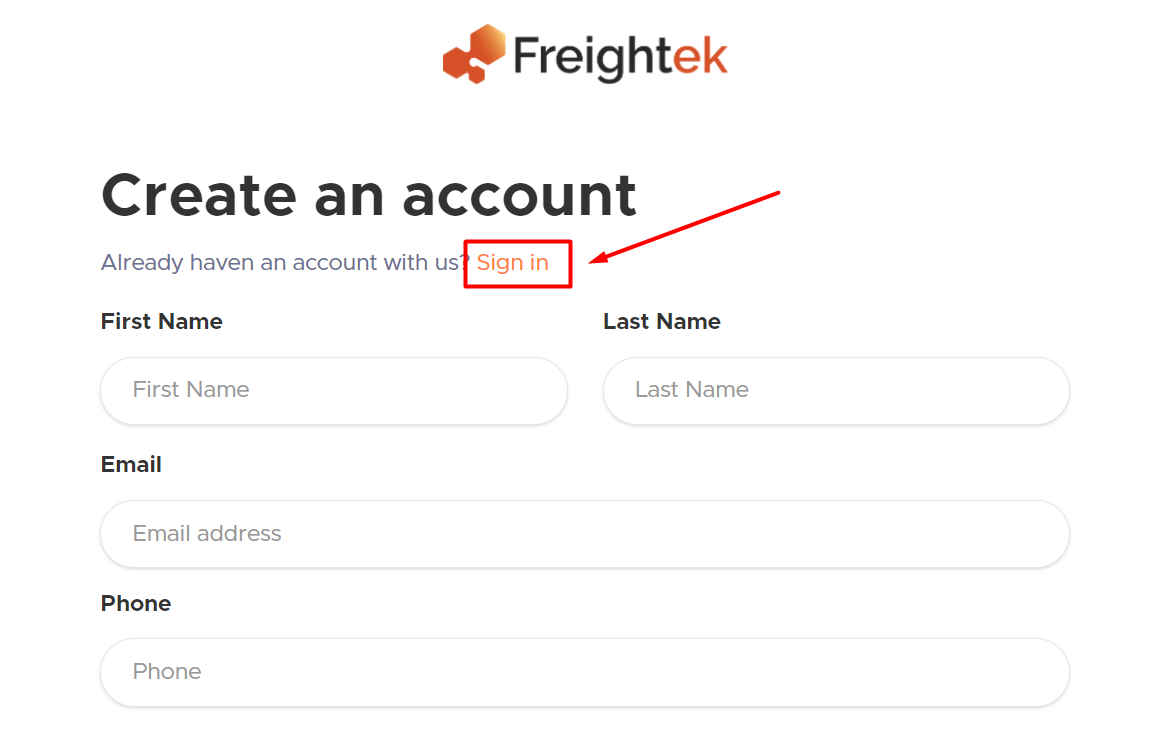
2. On the signing page after clicking the invitation, select “Sign in” (do not create a new account)
3. Enter Username and Password that you used for your first workspace.
4. Switch between workspaces by clicking your avatar (profile icon) in the top-right corner → then selecting the workspace you want to access.
Was this article helpful?
That’s Great!
Thank you for your feedback
Sorry! We couldn't be helpful
Thank you for your feedback
Feedback sent
We appreciate your effort and will try to fix the article